
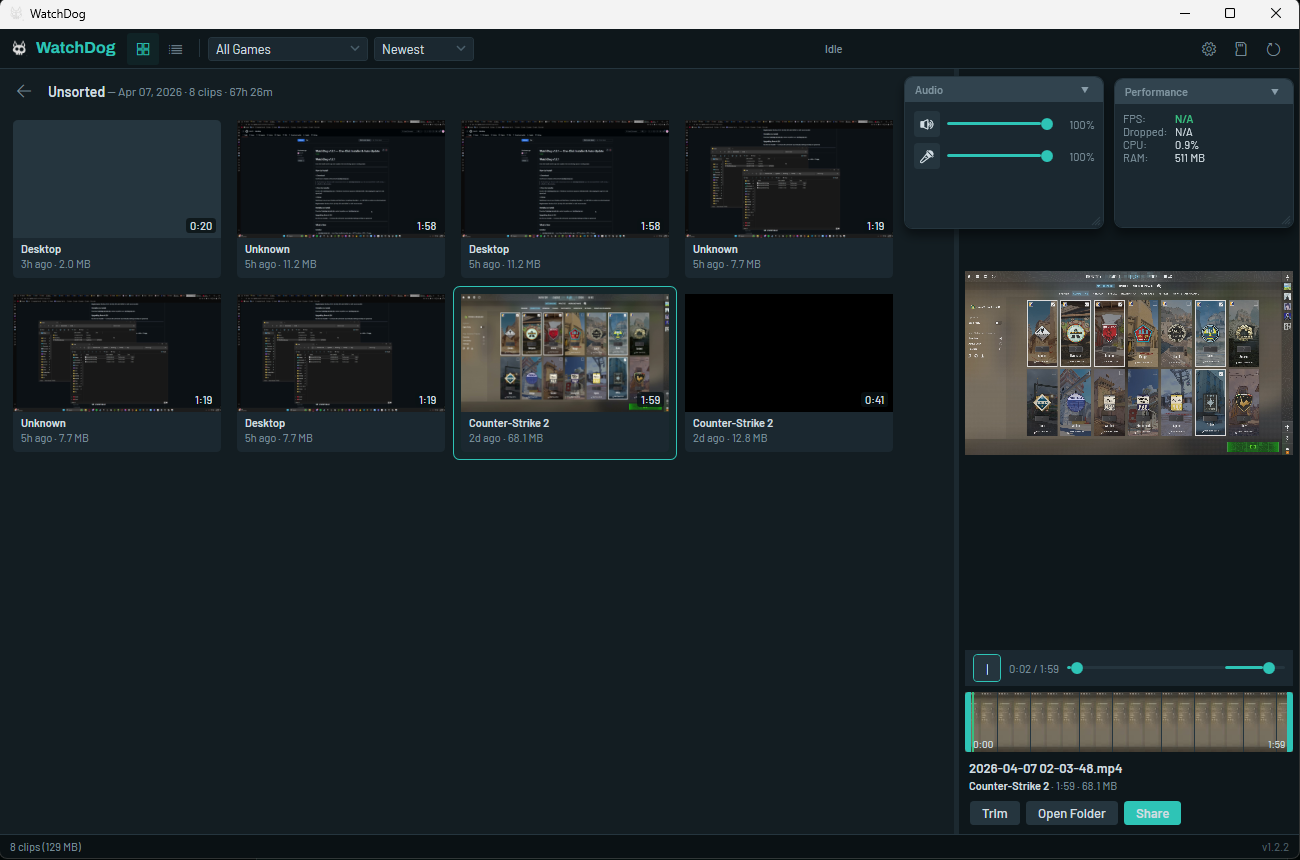
Clip it. Trim it.
Share it.
AI detects your kills, aces, and clutch plays — then clips them automatically. Lightweight, open-source, and runs silently from the system tray.
Capabilities
Everything you need to clip, edit, and share.
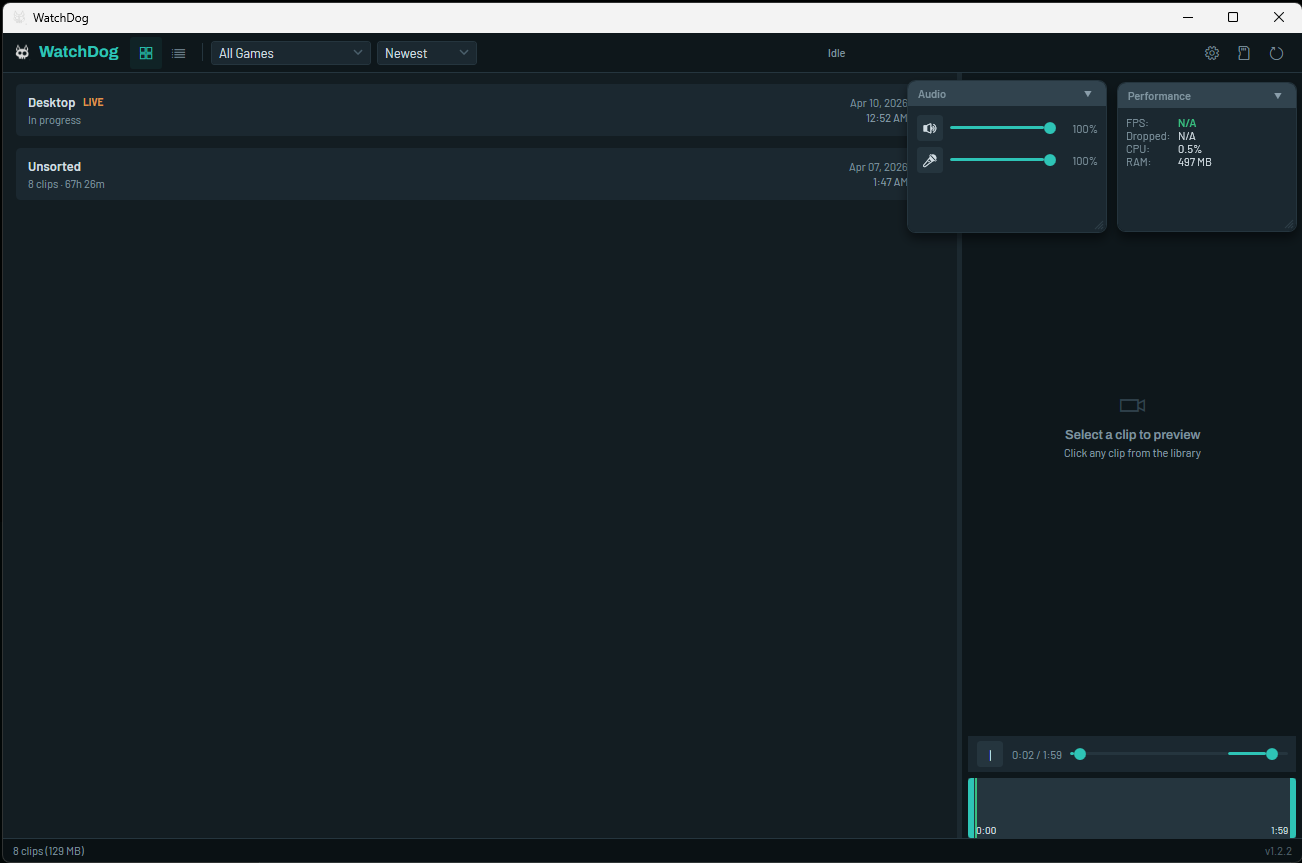
Replay Buffer
Hit one key to save your last moments of gameplay instantly. Buffer duration and hotkey are fully configurable. Runs continuously in the background. Never miss a moment.
AI Highlights New
An on-device AI listens to game audio and clips kills, aces, and clutch moments automatically — for any game. Native detection for CS2, Valorant, OW2, and Siege. AI-powered audio detection for everything else. Runs locally, zero cloud, zero latency.
Discord Sharing
Upload clips to any channel via webhook with rich embeds showing game, duration, and file size. No bot required — just paste and share.
Also included
Game Profiles New
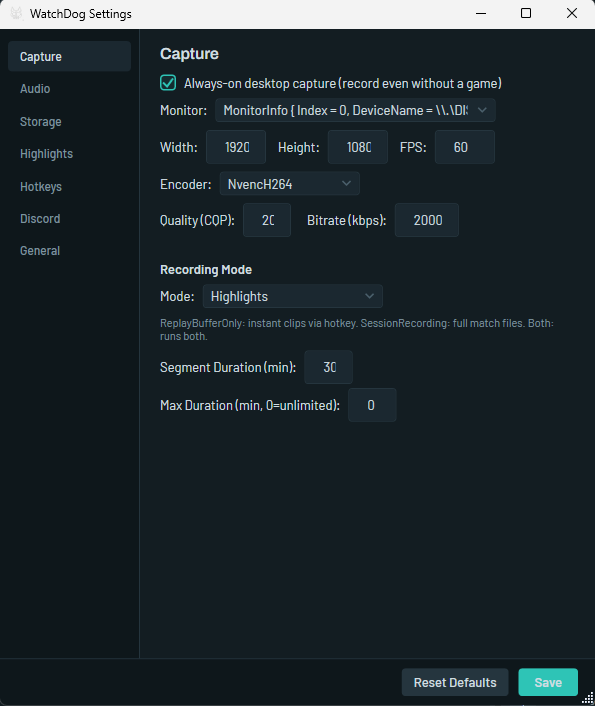
Per-game recording settings, auto-applied on launch.
Clip Editor & Search New
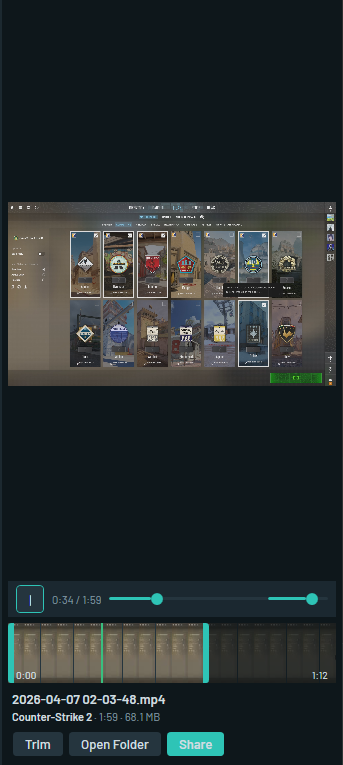
Trim, tag, and filter clips. Batch export for montages.
Encoding
NVIDIA NVENC or x264 software. AMD AMF and Intel QSV are not supported yet.
Status Overlay New
Floating indicator visible during fullscreen gaming.
See it in action
Built for the way you play.
Get Started
Up and running in under a minute.
Prefer no installer? Download the Portable ZIP and run WatchDog.App.exe directly.
WatchDog checks for updates on launch — you'll see a banner when a new version is available.
Questions
Common questions.
Configuration
Most games work automatically.
A few need a quick config step.
CS2 requires a Game State Integration config file so WatchDog can detect kills, rounds, and aces. Copy the template to your CS2 config directory:
Copy-Item cfg\gamestate_integration_watchdog.cfg "C:\Program Files (x86)\Steam\steamapps\common\Counter-Strike Global Offensive\game\csgo\cfg\"
Restart CS2 after placing the file.
Valorant, Overwatch 2, and Rainbow Six Siege work automatically — no setup required. WatchDog reads game logs and the Riot Client lockfile to detect events.
Share clips to any Discord channel via webhook:
1. In Discord: Server Settings → Integrations → Webhooks → New Webhook → Copy URL
2. In WatchDog: Settings → Discord → Paste webhook URL → Save
3. Right-click any clip → "Share to Discord"